Monitoring AI Conversations & Analytics
Review AI conversation transcripts, take over from the AI for manual responses, and use analytics to identify knowledge gaps and improve agent performance.
Monitoring AI Conversations & Analytics
Monitoring your AI Sales Agent's conversations is essential for maintaining quality, identifying gaps in the knowledge base, and ensuring customers receive accurate, helpful responses. RapidQuote3D provides full conversation transcripts, real-time takeover capabilities, and analytics to help you continuously improve.
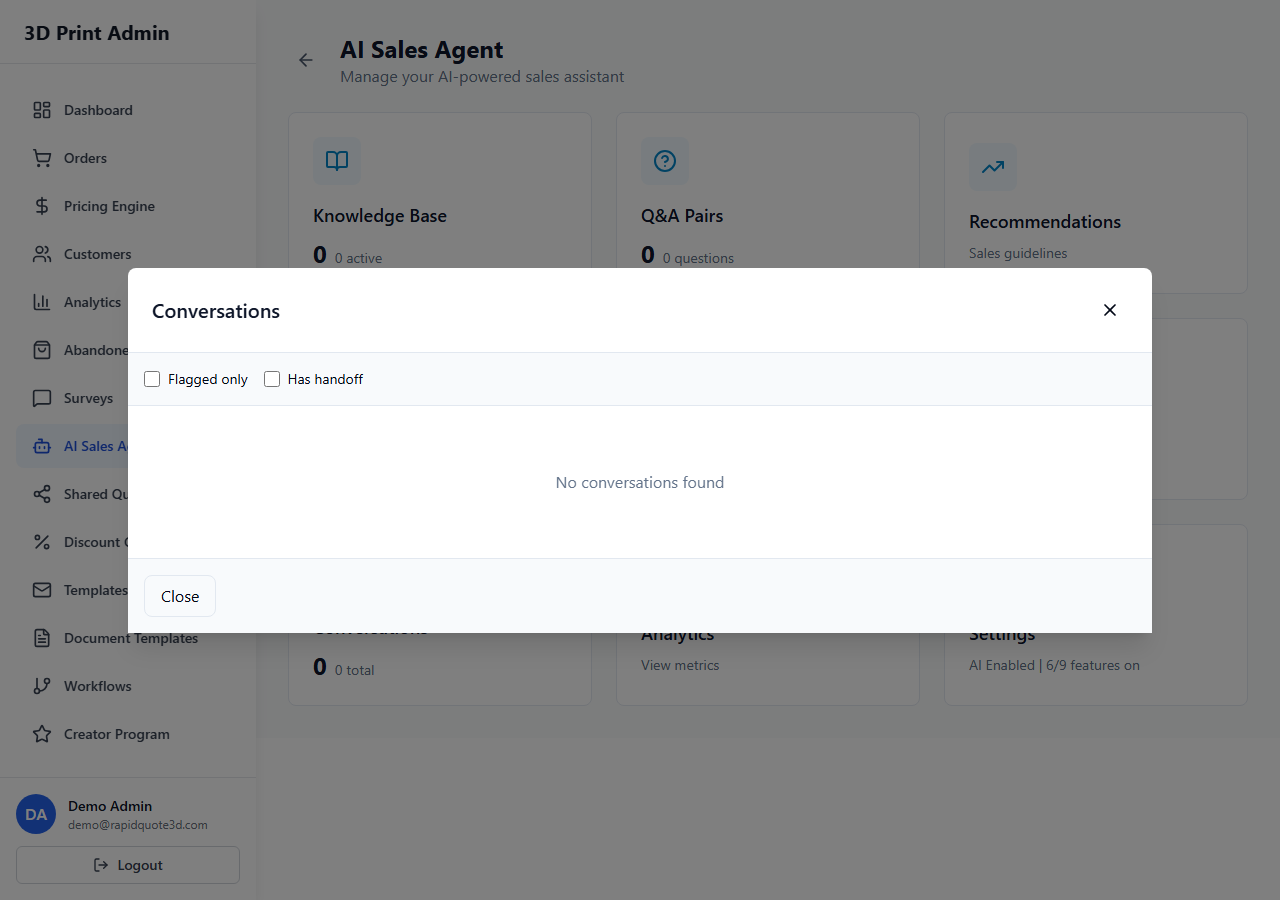
AI Conversation History
- From your admin dashboard, click AI Agent in the sidebar.
- Select Conversations from the submenu.
- You will see a list of all AI conversations, sorted by most recent. Each entry shows the customer name (or "Visitor" for anonymous users), the date and time, and the conversation status.
Viewing Full Chat Transcripts
Click on any conversation to open the full transcript:
- Every message is displayed chronologically, with clear labels for Customer and AI Agent messages.
- Timestamps are shown for each message so you can see response times.
- If a human team member took over the conversation, their messages are labelled with the team member's name.
- Any quick reply buttons the customer clicked are shown as highlighted messages.
- Upsell suggestions triggered during the conversation are flagged with an "Upsell" tag.
Human Takeover
Sometimes a customer query goes beyond what the AI can handle. The human takeover feature lets you step in:
- In the conversations list, active conversations show a Live badge.
- Click on a live conversation to view it in real time.
- Click the Take Over button to switch from AI-managed to human-managed mode.
- Type your response in the message input field and click Send.
- The AI stops responding, and all further messages in the conversation are handled by you.
- When finished, click Return to AI to hand the conversation back to the agent, or simply close the conversation.
Customers are notified when a human team member joins the conversation, so they know they are speaking with a real person.
Conversation Metrics
The AI Analytics dashboard (accessible from AI Agent > Analytics) provides key performance metrics:
| Metric | Description |
|---|---|
| Total Conversations | Number of chat sessions initiated within the selected date range |
| Resolution Rate | Percentage of conversations resolved by the AI without human intervention |
| Average Response Time | How quickly the AI responds to each customer message (typically under two seconds) |
| Human Takeover Rate | Percentage of conversations where a team member had to step in |
| Average Conversation Length | Mean number of messages per conversation |
| Customer Satisfaction | Rating from post-chat surveys, if enabled |
| Common Topics | Most frequently discussed subjects, displayed as a ranked list or word cloud |
Use the date range selector to view metrics for specific periods and track trends over time.
Identifying Gaps in the Knowledge Base
The analytics dashboard highlights areas where the AI struggled:
- Unresolved queries — Questions the AI could not answer confidently. Review these to identify missing knowledge base entries or Q&A pairs.
- Low-confidence responses — Conversations where the AI's confidence score was below the threshold. These may indicate ambiguous or incomplete knowledge base content.
- Frequent human takeovers — Topics that consistently require human intervention point to gaps that should be addressed.
- Common topics without Q&A pairs — Cross-reference the "Common Topics" list with your existing Q&A pairs. If a popular topic lacks dedicated pairs, create them.
Improving AI Responses Over Time
Use the insights from monitoring and analytics to continuously improve your AI agent:
- Review weekly — Set aside time each week to read through recent conversations, especially flagged or low-confidence ones.
- Add Q&A pairs — For every recurring question the AI answers poorly, create a precise Q&A training pair.
- Update the knowledge base — If the AI provides outdated information, update the relevant knowledge base entries immediately.
- Refine upsell rules — Check whether upsell suggestions are being well-received. Adjust keywords or messages that feel forced.
- Expand quick replies — If analytics show common queries that are not covered by quick replies, add new buttons.
- Track metrics monthly — Compare resolution rates, takeover rates, and customer satisfaction month over month to measure improvement.
Over time, consistent monitoring and iterative improvements will result in an AI Sales Agent that handles the vast majority of customer enquiries accurately and effectively, freeing your team to focus on production and complex customer needs.
Need help with this topic? Contact our support team