Creating Q&A Training Pairs
Improve your AI Sales Agent's accuracy by creating question-and-answer training pairs that teach it how to respond to specific customer queries.
Creating Q&A Training Pairs
Q&A training pairs are explicit question-and-answer combinations that directly teach your AI Sales Agent how to respond to specific queries. While the knowledge base provides general information, Q&A pairs give the AI precise, pre-approved answers for common or sensitive questions.
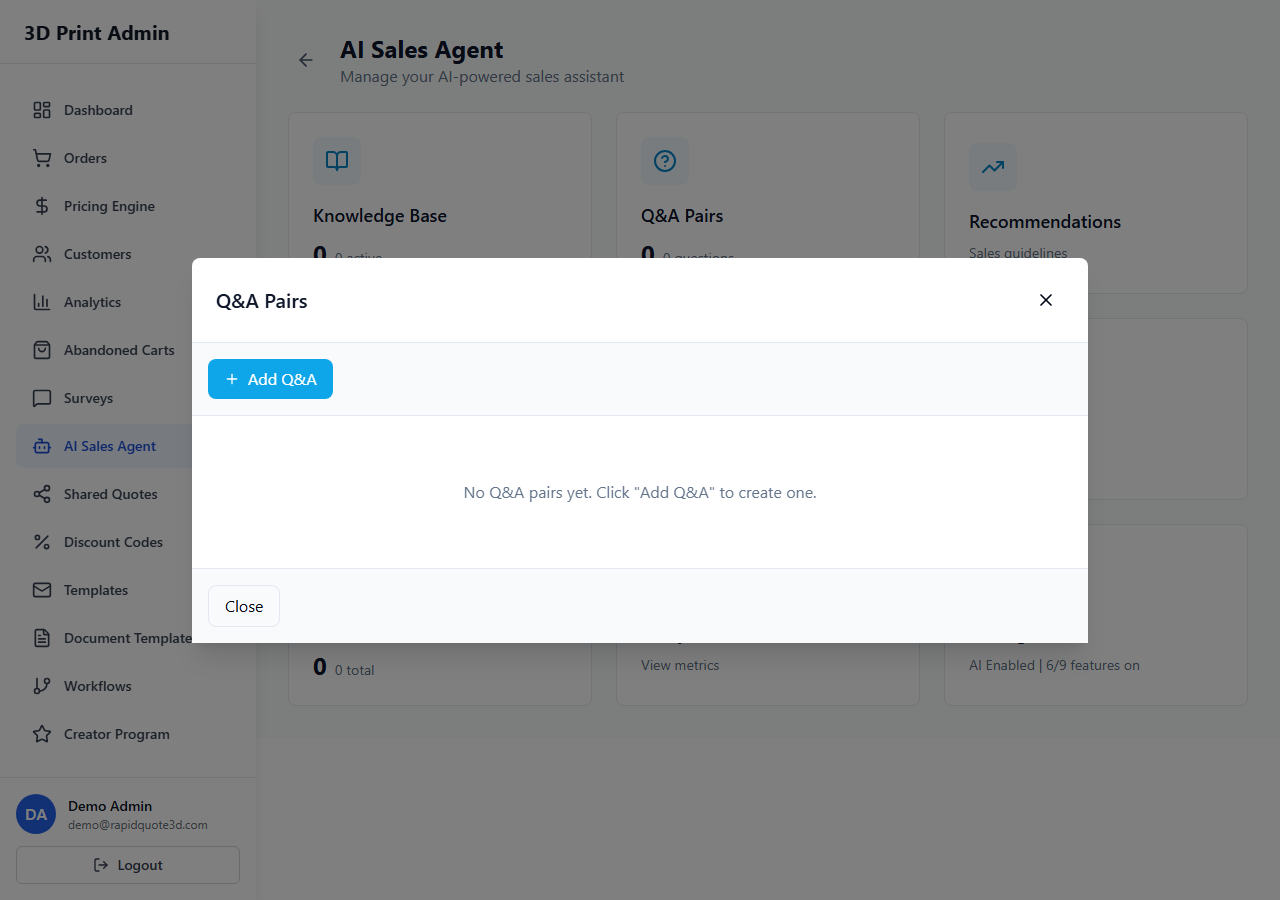
Accessing Q&A Pairs
- From your admin dashboard, click AI Agent in the sidebar.
- Select Q&A Pairs from the submenu.
- You will see a list of all existing training pairs, organised by category.
Adding a Q&A Pair Manually
- Click Add Q&A Pair in the top-right corner.
- Enter the Question — phrase it the way a customer would naturally ask. For example: "What materials do you offer?" or "How long does shipping take?"
- Enter the Answer — write the response you want the AI to give. Be clear, accurate, and conversational.
- Select a Category from the dropdown (e.g. Materials, Shipping, Pricing, General) or create a new category.
- Click Save.
Categorising Q&A Pairs
Categories help you organise and manage your training data:
- Materials — Questions about available materials, material properties, and material recommendations
- Pricing — Questions about costs, quotes, bulk discounts, and payment methods
- Shipping — Questions about delivery times, carriers, and international shipping
- Process — Questions about printing technologies, post-processing, and quality
- General — Business hours, contact information, and other miscellaneous queries
- Custom categories — Create your own to match your business needs
You can filter the Q&A list by category to quickly find and manage related pairs.
How Q&A Pairs Improve Response Accuracy
When a customer asks a question, the AI agent checks Q&A pairs first before searching the broader knowledge base:
- The customer's question is compared against all stored questions.
- If a close match is found, the corresponding answer is used as the primary basis for the response.
- The AI may lightly rephrase the answer to sound natural in context, but the core information remains your pre-approved text.
- If no Q&A match is found, the AI falls back to the general knowledge base.
This two-tier approach means Q&A pairs give you precise control over critical answers while the knowledge base handles everything else.
Bulk Import Options
If you have many Q&A pairs to add, use the bulk import feature:
- Click Bulk Import at the top of the Q&A page.
- Download the CSV template provided.
- Fill in the template with your questions and answers. The CSV columns are:
question,answer,category. - Upload the completed CSV file.
- Review the import preview, which shows how many pairs will be created.
- Click Confirm Import to add all pairs.
Editing and Deleting Pairs
- To edit a pair, click on it in the list, make your changes, and click Save.
- To delete a pair, click the delete icon next to the entry and confirm the deletion.
- Changes take effect immediately — the AI will use the updated answers for subsequent conversations.
Best Practices for Effective Q&A Pairs
- Write variations — Customers ask the same thing in different ways. Create multiple pairs with different phrasings that point to the same answer (e.g. "How much does PLA cost?" and "What's the price for PLA printing?").
- Be specific — Vague answers frustrate customers. Include specific numbers, timescales, and details.
- Keep answers concise — Aim for two to four sentences. The AI can elaborate if the customer asks follow-up questions.
- Review conversation logs — Check the AI Conversations page regularly to identify questions the AI struggled to answer, then create Q&A pairs for those.
- Update regularly — When your pricing, materials, or policies change, update the corresponding Q&A pairs immediately.
Need help with this topic? Contact our support team