Building the AI Knowledge Base
Upload documents and manage knowledge base entries so your AI Sales Agent can accurately answer customer questions about your services and materials.
Building the AI Knowledge Base
The knowledge base is the foundation of your AI Sales Agent's intelligence. It contains the information the agent draws upon when answering customer questions. The more comprehensive and well-organised your knowledge base, the more accurate and helpful the agent's responses will be.
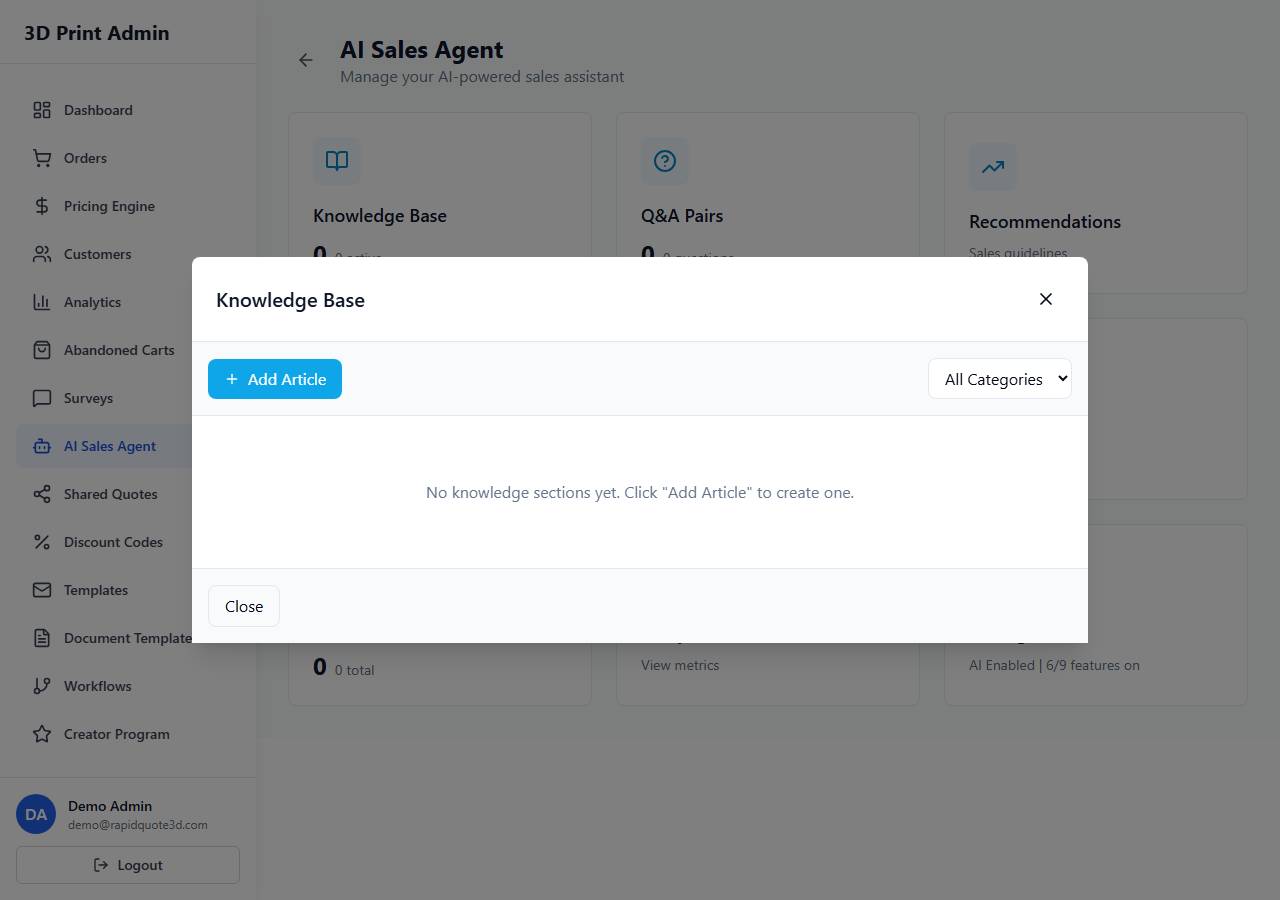
Accessing the Knowledge Base
- From your admin dashboard, click AI Agent in the sidebar.
- Select Knowledge Base from the submenu.
- You will see a list of all uploaded documents and manually created entries.
Uploading Documents
The fastest way to populate your knowledge base is by uploading existing documents:
- Click Upload Document in the top-right corner.
- Select a file from your computer. Supported formats include:
- PDF — Product catalogues, technical data sheets, company brochures
- Text files (.txt) — Plain text documents, FAQs, process guides
- The system processes the document and extracts its content for the AI to reference.
- Give the document a descriptive title so you can easily identify it later.
You can upload multiple documents. There is no strict limit, but keeping your knowledge base focused and relevant produces better results.
Managing Knowledge Base Entries
Each uploaded document or manually created entry appears as a card in the knowledge base:
- Title — The name you gave the entry
- Type — Document upload or manual entry
- Date added — When it was uploaded or created
- Status — Active (used by the AI) or Inactive (excluded from AI responses)
Click on any entry to view its content, edit the title, or toggle its active status.
How the AI Uses Uploaded Content
When a customer asks a question, the AI agent:
- Analyses the customer's question to understand the intent.
- Searches the knowledge base for the most relevant content.
- Synthesises an answer based on the matching knowledge base entries.
- Delivers a natural-language response to the customer.
The AI does not simply copy and paste from your documents — it generates conversational responses that incorporate the key information.
Best Practices for Knowledge Base Content
The quality of your knowledge base directly affects the quality of AI responses. Follow these guidelines:
What to Include
- FAQs — Common questions and their answers. These are the most impactful entries you can add.
- Material guides — Properties, strengths, limitations, and recommended uses for each material you offer (PLA, ABS, PETG, Nylon, Resin, etc.).
- Process explanations — How FDM, SLA, SLS, or other printing technologies work, and when to use each.
- Pricing information — General pricing guidance, minimum order values, bulk discount structures.
- Lead times — Standard and express turnaround times.
- Post-processing options — Sanding, painting, vapour smoothing, heat treatment, etc.
- Design guidelines — Minimum wall thickness, tolerances, file format requirements.
- Shipping information — Carriers, delivery timescales, international shipping policies.
Writing Tips
- Write in clear, plain language — the AI will adopt the tone you set in agent settings, but it needs clear source material to work with.
- Use headings and structure within documents so the AI can locate specific sections.
- Be factual and specific — include actual numbers, dimensions, and specifications.
- Keep content up to date — outdated pricing or lead times will cause incorrect responses.
Updating and Removing Entries
- To update — Click the entry, edit the content or re-upload a revised document, and save.
- To temporarily disable — Toggle the entry's status to Inactive. The AI will ignore it without deleting the content.
- To remove permanently — Click the Delete button on the entry. This cannot be undone.
Review your knowledge base quarterly to ensure all information remains accurate and relevant.
Need help with this topic? Contact our support team