Setting Up Feedback Discounts
Reward customers with automatic discount codes when they complete a feedback survey, encouraging reviews while driving repeat purchases.
What Are Feedback Discounts?
Feedback discounts are automatically generated discount codes that are sent to customers after they complete a survey. This creates a win-win: you receive valuable feedback about your service, and the customer gets a reward that encourages them to order again.
Enabling Feedback Discounts
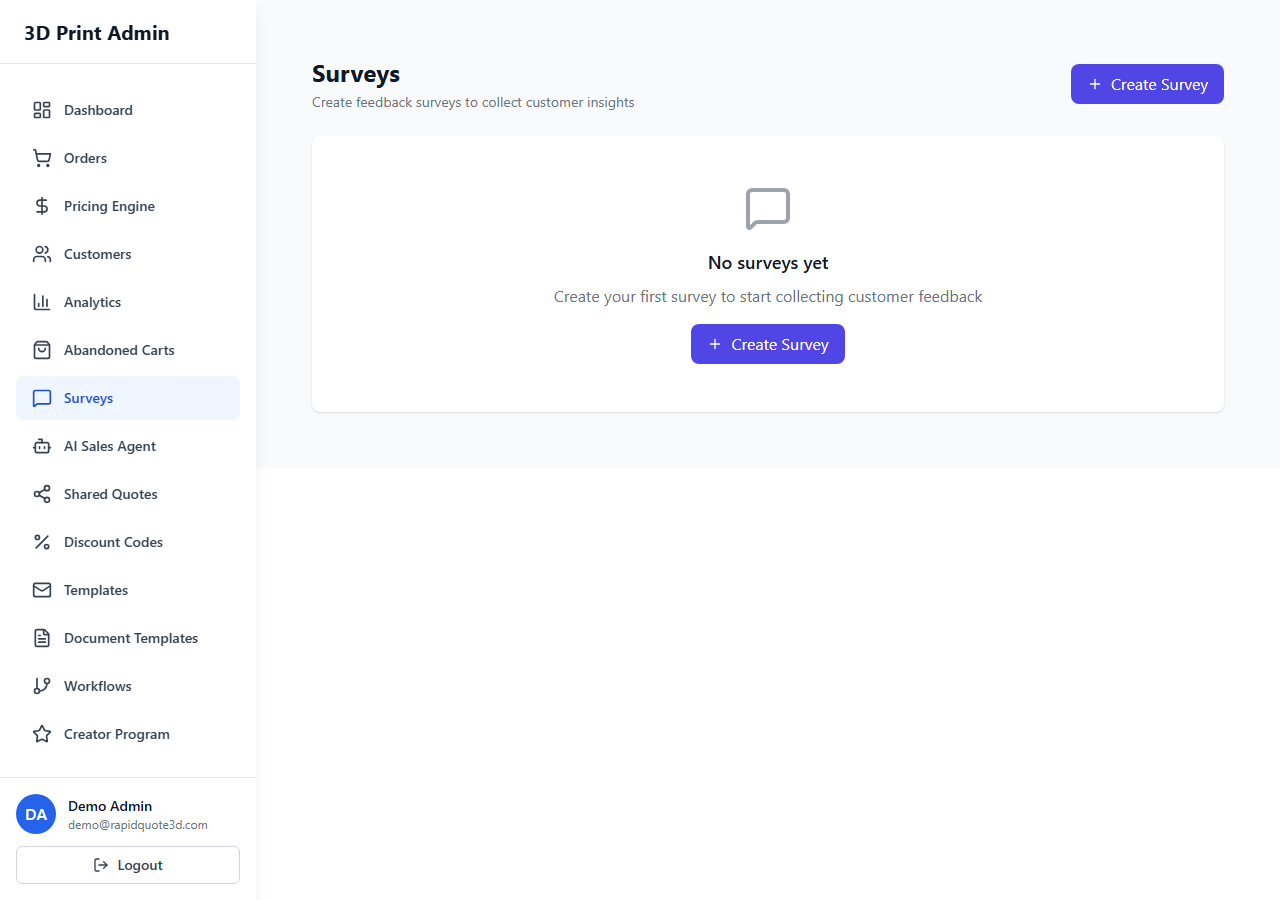
- Navigate to Marketing > Surveys.
- Click on the survey you want to attach a feedback discount to.
- Scroll to the Feedback Discount section.
- Toggle Enable Feedback Discount to on.
Configuring the Discount
Once enabled, configure the following settings:
Discount Value and Type
Choose between a Percentage Off or Fixed Amount Off discount, just like a standard discount code. Enter the value (e.g. 10 for 10% off, or 5.00 for £5 off). A 10–15% discount typically works well as a thank-you incentive without significantly impacting your margins.
Rate Limiting
To prevent abuse, feedback discounts are limited to one per customer. If a customer completes the same survey multiple times (which should be rare), they will only receive a discount code for their first submission. This is enforced automatically by the system based on the customer’s email address.
Discount Expiry
Set how many days the generated discount code remains valid. For example, setting this to 30 means the customer has 30 days from receiving the code to use it. A time limit creates gentle urgency that encourages faster repeat purchases.
Common expiry periods:
- 14 days – Creates strong urgency, good for low-cost items.
- 30 days – A balanced option that gives customers reasonable time.
- 90 days – More generous, suitable for businesses with longer order cycles.
How It Works for Customers
The customer experience flows as follows:
- The customer receives a survey email (triggered automatically after delivery or sent manually).
- They click the link and complete the survey.
- Upon submission, a confirmation page displays their unique discount code along with the discount details and expiry date.
- Simultaneously, an email is sent to the customer containing the same discount code for their records.
- The customer can apply this code at checkout on their next order.
Generated Code Format
Each discount code is automatically generated with a unique alphanumeric string (e.g. “FB-A3X9K2”). The “FB-” prefix identifies it as a feedback discount in your system. These codes appear in your main Discount Codes list alongside manually created codes, tagged with a “Feedback” label for easy identification.
Tracking Feedback Discount Redemptions
Monitor the performance of feedback discounts in two places:
- Survey Analytics – The survey detail page shows how many feedback discounts were generated and how many were redeemed.
- Discount Codes List – Filter by the “Feedback” tag to see all generated codes, their redemption status, and the orders they were used on.
Key metrics to track:
- Codes Generated – Total number of feedback discounts issued.
- Redemption Rate – Percentage of issued codes that were actually used.
- Revenue from Repeat Orders – Total value of orders placed using feedback discount codes.
Tips for Success
- Mention the discount reward in the survey invitation email to increase survey completion rates (e.g. “Complete our 2-minute survey and receive 10% off your next order”).
- Keep the survey short (3–5 questions) to maximise completion rates.
- Review redemption rates monthly. If rates are low, consider increasing the discount value or extending the expiry period.
Need help with this topic? Contact our support team